
Overview
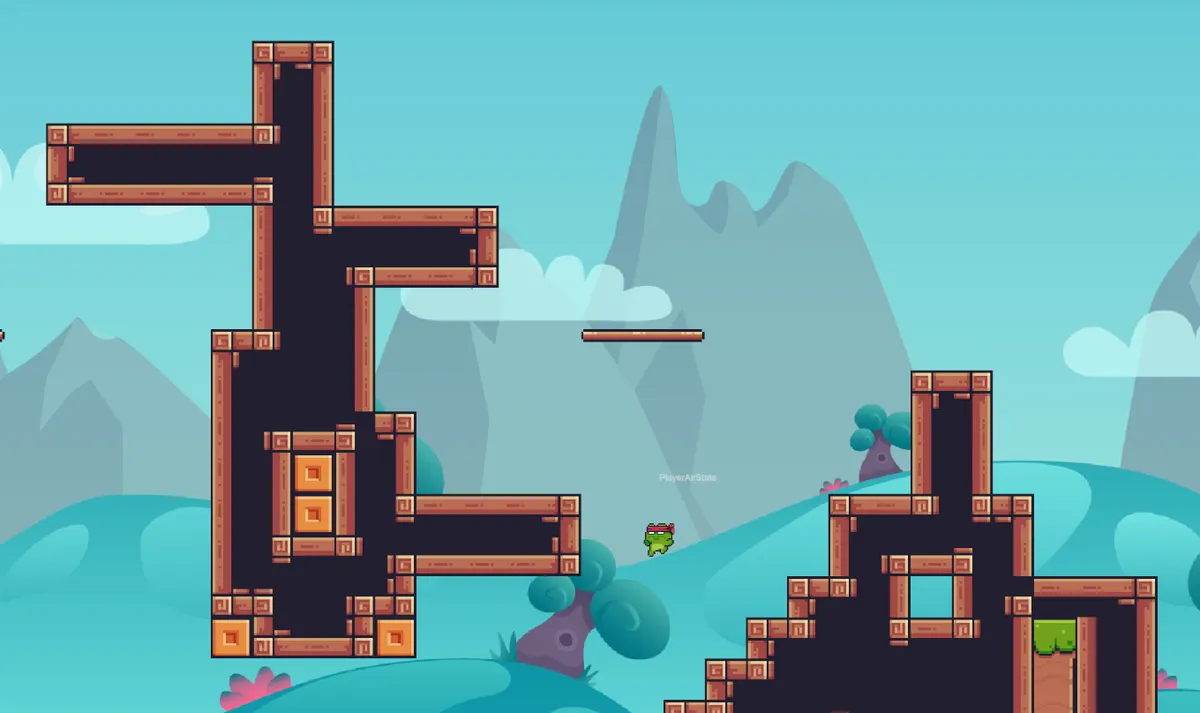
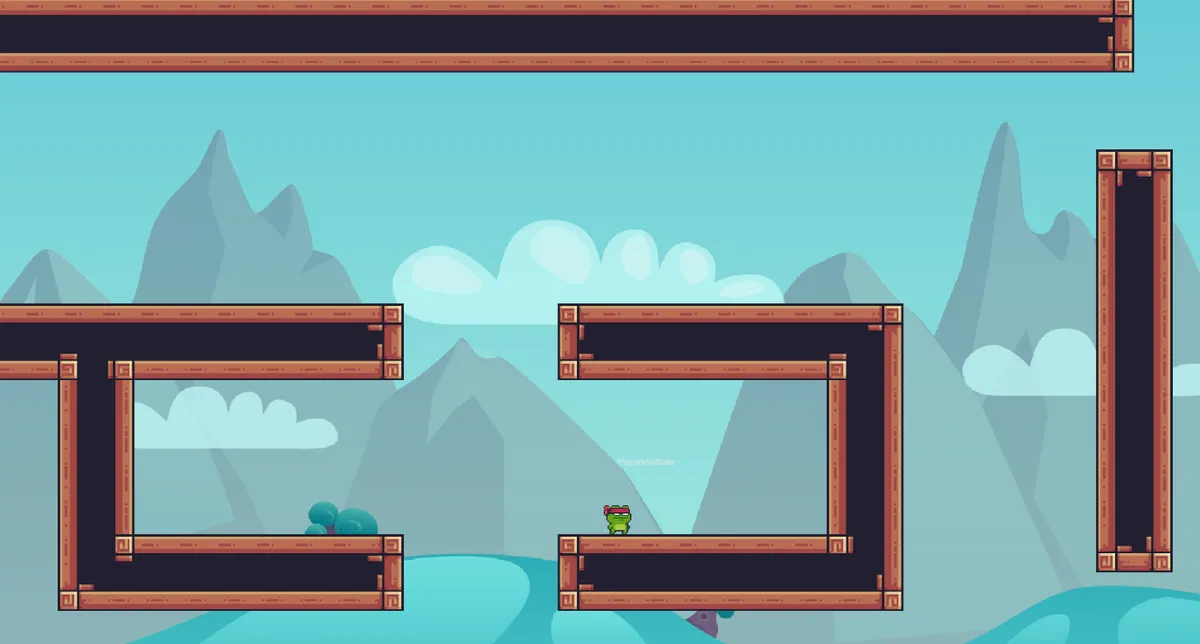
Bomb Da Base is a 2D platformer game prototype that goes beyond basic movement and jumping. It’s built with Unity using advanced game development patterns and systems that you’d find in production-quality games.
The project focuses on architecture and technical implementation — featuring a hierarchical state machine for player behavior, efficient object pooling for projectiles, Unity’s modern Input System, and multiple weapon types with different mechanics.
Key Features
- Advanced Character Movement — Jump, double jump, wall slide, dash, and crouch mechanics with fine-tuned game feel
- Hierarchical State Machine (HSM) — Modular state-based player controller where each state (Idle, Walking, Jumping, Dashing, etc.) is its own class
- Multiple Weapon Systems — Ranged weapons with bullet pooling, raycast-based instant-hit weapons, and experimental lobbing mechanics
- Object Pooling System — Efficient memory management for bullets and projectiles to avoid garbage collection spikes
- Modern Input System — Event-driven input handling using Unity’s new Input System with support for keyboard, gamepad, and touch
- ScriptableObject Architecture — Data-driven design for character stats, weapon configs, and bullet properties
Technical Highlights
Hierarchical State Machine
Traditional player controllers often become tangled messes of if-statements checking booleans like isGrounded, isJumping, isDashing. This project uses a state machine where each player state is its own class:
PlayerStateMachine
│
├── Super States
│   ├── GroundState
│   └── AirState
│
└── Sub States
    ├── IdleState
    ├── WalkState
    ├── JumpState
    ├── FallState
    ├── DashState
    ├── WallSlideState
    └── CrouchState
Each state handles its own logic for entering, updating, and exiting. This makes the code easier to debug, extend, and reason about. Adding a new movement ability means creating a new state class rather than adding more conditionals to an already complex script.
Weapon Systems
The game features three different weapon implementations:
Ranged Weapons with Object Pooling — Bullets are spawned from a pre-initialized pool rather than instantiated on-demand. This eliminates frame drops from Instantiate() calls and reduces garbage collection pressure.
Raycast-Based Weapons — Instant-hit weapons that use raycasting with visual feedback. These calculate damage immediately rather than waiting for a projectile to reach the target.
Lobbing Weapons — Experimental grenade-style weapons with physics-based trajectories.
All weapon data (damage, fire rate, bullet speed, range) is configured through ScriptableObjects, making it easy to balance and prototype different weapon types without touching code.
Unity’s New Input System
This project uses Unity’s modern Input System instead of the legacy Input.GetKey() approach. The benefits:
- Event-driven architecture — Input callbacks fire only when actions occur, rather than polling every frame
- Multi-platform support — Automatic handling of keyboard, gamepad, and touch with the same action maps
- Rebindable controls — Players can remap controls at runtime
- Action semantics — Code references actions like “Jump” rather than raw keys
The PlayerInputManager broadcasts input events that other systems subscribe to, keeping input handling decoupled from game logic.
Performance Considerations
Object Pooling — Bullets and projectiles are pooled to avoid allocation overhead. A typical shoot-em-up can spawn hundreds of bullets per second, and pooling prevents garbage collection stalls.
Optional DOTS Pathfinding — The project includes both traditional A* pathfinding and an experimental DOTS-optimized version using Unity’s Job System and Burst compiler for multi-threaded pathfinding.
Controls
| Action | Keyboard | Gamepad |
|---|---|---|
| Move | WASD / Arrow Keys | Left Stick |
| Jump / Double Jump | Space | A Button |
| Dash | Left Shift | Right Bumper |
| Crouch | S / Down Arrow | B Button |
| Fire Weapon | Mouse Click | Right Trigger |
| Reload | R | X Button |
Challenges & Learnings
State machine complexity — Building a clean HSM required careful thought about state transitions. Some states can only transition to specific other states, while some (like Dash) can interrupt almost anything. Managing these rules without creating spaghetti code was challenging.
Game feel tuning — Getting movement to feel responsive required extensive iteration on jump height, gravity, dash speed, and air control. Small changes to these values dramatically affect how the game feels to play.
Input System migration — Moving from the legacy input system to the new one required restructuring how the entire codebase handled player input. The event-driven approach is cleaner but requires a different mental model.
Art Credits
This project uses free assets from talented artists:
- VFX Effects — BDragon1727
- Background Images — CraftPix
- Sprites & Characters — Pixel Frog
All art assets remain under their original authors’ licenses.